Last updated: February 17, 2026
6 min read
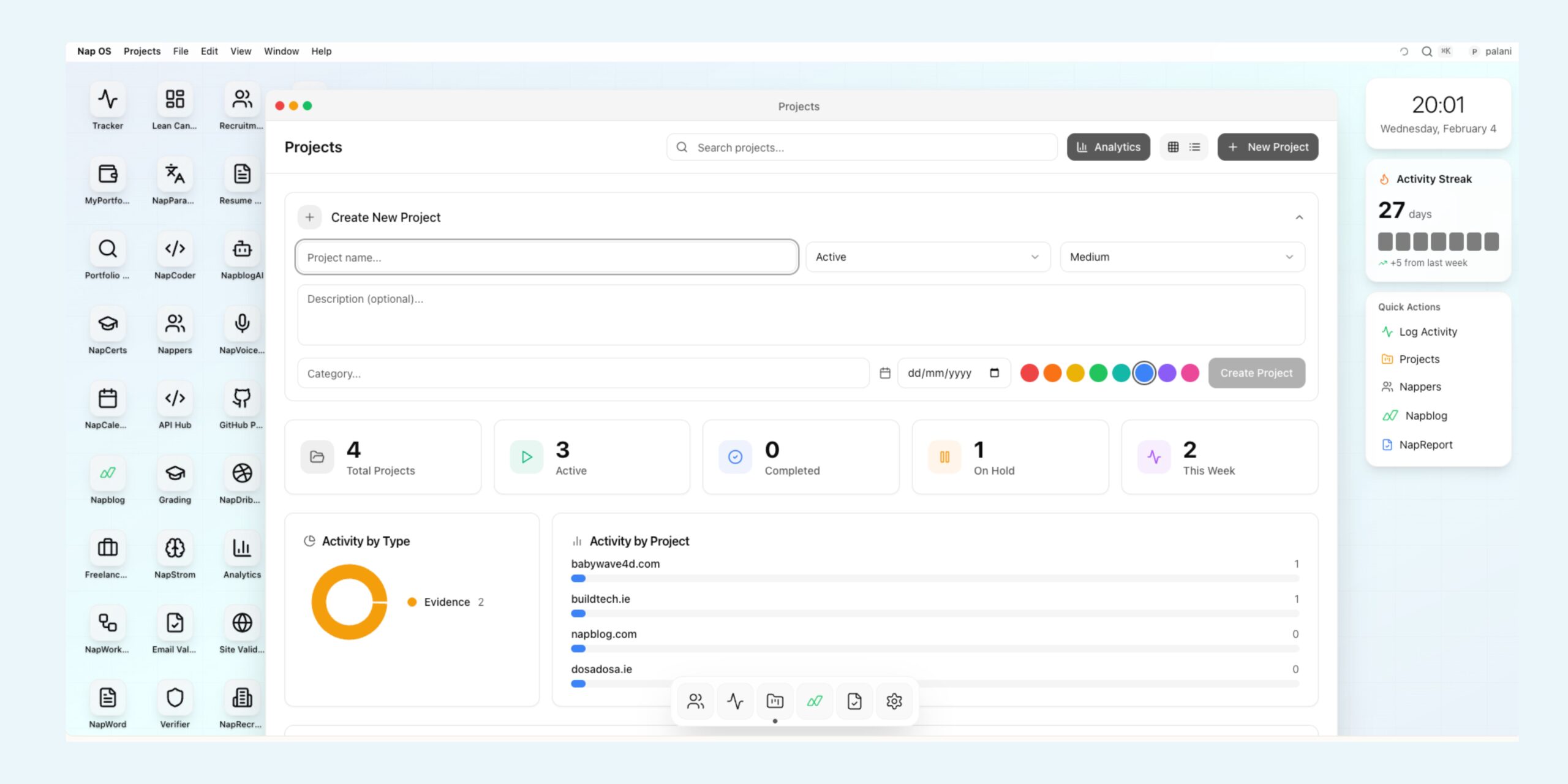
Most project tools are built for “planning.” NapProjects is built for doing.
If you’ve ever created a project board, added tasks, gave it a fancy title… and then never opened it again—this one’s for you.
NapProjects (inside Nap OS) is designed around a simple truth:
progress isn’t a plan — it’s a trail of evidence.
And the people who win are the ones who can keep that trail consistent, visible, and searchable.
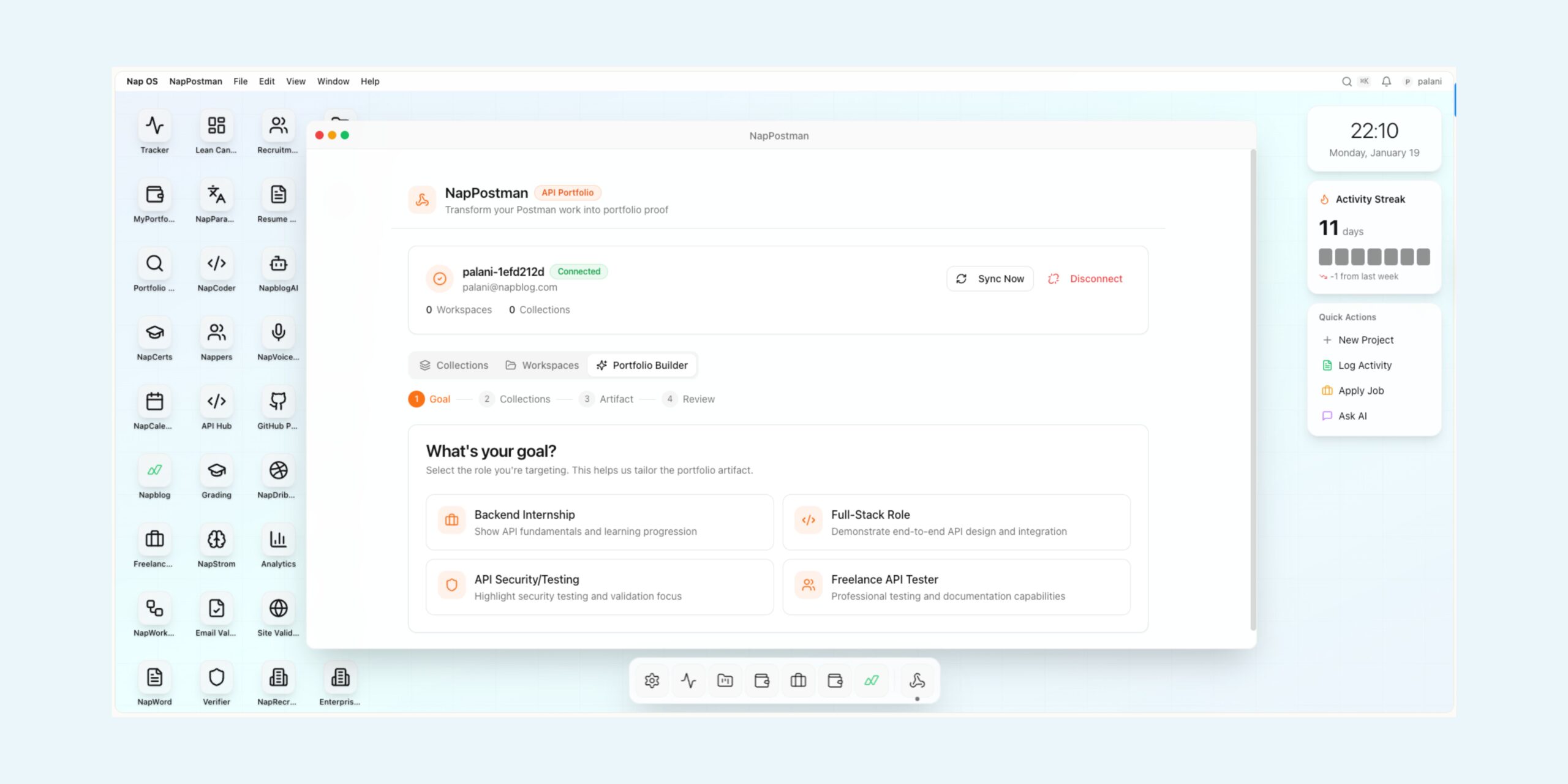
Today, I’m inviting you to try NapProjects on os.napblog.com — and experience what “project tracking” feels like when it’s built like an operating system, not a folder.
Why NapProjects exists?
Traditional project tools tend to split your work into disconnected parts:
- One place for “tasks”
- Another for “notes”
- Another for “files”
- Another for “activity logs”
- Another for “reporting”
So the real work ends up scattered: your brain becomes the integration layer.
NapProjects flips that.
It treats a project like a living system—where every action you take becomes part of the project’s history, your productivity narrative, and your overall profile inside Nap OS.
This matters whether you’re:
- a student building real skills
- a freelancer trying to prove reliability
- a founder shipping fast
- a builder managing multiple client projects
- or a recruiter / professor validating output with evidence
NapProjects is built for the daily rhythm: open → log → ship → repeat.
The biggest change: Projects now feel natural (not forced)
The best software doesn’t “teach” you. It matches your instincts.
NapProjects was built with a specific UX psychology in mind:
1) Reduce friction to zero
If the first interaction feels heavy, the tool loses. NapProjects focuses on speed-to-action.
You can create a project quickly and get moving. The UI is clean, the flow is predictable, and the system doesn’t demand “setup work” before you can do real work.
2) You never lose your progress
In NapProjects, drafts and views are persistent. When you move away and return, you should feel like:
“Everything is still here. The system respects my time.”
The Projects app remembers your last working context. You don’t need to re-orient every session.
3) Your work becomes visible by default
In many tools, progress is invisible unless you manually create reports.
In NapProjects, progress naturally surfaces because activity logs power:
- project history
- your tracker timeline
- analytics dashboards
- NapReport intelligence
So instead of “writing status updates,” you’re simply working, and the system learns from it.
Each project has its own history — clean, isolated, trustworthy
A core principle of NapProjects is history integrity.
Each project maintains its own timeline, meaning:
- activities belong to that project only
- new projects start clean
- nothing leaks from previous projects
This sounds small, but it’s huge psychologically. It creates trust.
When you open a project, you should feel:
“This is my project’s world. Everything here happened here.”
That’s how good systems build confidence.
Activity logging that feeds the entire Nap OS intelligence layer
Logging activity isn’t “extra work” when it’s frictionless and meaningful.
NapProjects activity logging is designed to capture what matters:
- notes (what you did / learned / decided)
- milestones (what changed)
- evidence (proof: images, artifacts, screenshots)
- links (references, sources, shipped URLs)
The magic is what happens next:
Project activity flows into your Nap OS system automatically
Once logged, it becomes part of:
- Tracker timeline (your unified activity stream)
- NapReport (date ranges, evidence timelines, analytics)
- streak calculations
- global search (Cmd+K) across Nap OS
So your Projects aren’t isolated—they’re integrated into your whole work identity.
This is the difference between “a project tool” and “an operating system.”
Analytics that makes you want to come back
NapProjects includes an Analytics experience designed for a simple purpose:
make progress visible enough that you want to keep going.
Not by guilt. Not by pressure.
But by showing momentum.
Projects Dashboard (now the home)
When you open Projects, you land on a dashboard that instantly answers:
- What’s active?
- What’s completed?
- What moved recently?
- How consistent have I been?
The dashboard isn’t just numbers—it’s a map of your effort.
Activity Heatmap (GitHub-style)
This is one of the most addictive parts of NapProjects (in a good way).
- Full-width, readable, clean spacing
- Shows daily intensity of work
- Clicking a “green day” opens a tab with that day’s activities list
This is important: the heatmap isn’t a decoration. It’s a navigation system.
You see a day you worked hard, click it, and instantly review:
- what you logged
- what you shipped
- what evidence exists
That’s how a tool becomes “daily.”
Recent Activity that actually opens what you need
In NapProjects, Recent Activity isn’t a dead list.
It’s interactive, responsive, and tab-based—so you can click an activity and open it in a new Nap OS tab, similar to how Tracker search results open.
The key principle here is:
“Don’t force users to hunt for context.”
Click → open → understand.
That’s how the OS style of navigation should feel.
Cleaner UI: only the essential controls stay
We’re intentionally cutting clutter.
NapProjects is being shaped into a workspace where the top navigation stays minimal:
- Analytics (dashboard access)
- Search
- New Project
No unnecessary toggles, no crowded controls, no complexity for the sake of “features.”
The goal is to feel like a calm workspace where you can focus, not a control panel you need to learn.
Why this matters (beyond just project tracking)
NapProjects isn’t just about “managing tasks.”
It’s about building a verifiable trail of work.
That trail becomes valuable when you need to:
- show consistency (students, interns, early-career builders)
- prove output (freelancers, creators)
- validate trust (founders, teams)
- review performance (managers, professors)
- understand execution patterns (anyone serious about growth)
NapProjects becomes a living portfolio of effort. Not a PDF. Not a promise.
A real system record.
Who should use NapProjects right now?
If any of these describe you, start today:
Students / Interns
If you want to show you can execute consistently, NapProjects gives you a structured trail of proof—not just “I did a course.”
Freelancers
If you want clients to trust you, consistency + evidence beats any pitch.
Builders / Creators
If you ship often and juggle many threads, you need a system that doesn’t collapse into chaos.
Managers / Mentors
If you need visibility without micromanagement, activity-based systems are the cleanest way.
Start in 2 minutes
NapProjects is ready.
Go to: os.napblog.com
Sign up and open Projects.
Then do this:
- Create your first project (something real you’re working on)
- Log one activity (note / link / milestone / evidence)
- Come back tomorrow and log the next thing
- Watch the dashboard and heatmap start reflecting your momentum
You’ll feel the difference fast.
What’s coming next
NapProjects is evolving rapidly because we build based on real usage.
Expect continued improvements in:
- smarter analytics
- better drill-down experiences
- richer project history intelligence
- UI refinements that feel more “native OS”
- tighter integration across Nap OS apps
But the foundation is already here:
Projects that are intuitive, evidence-driven, and designed to be used daily.
Final invitation
If you’ve been waiting for a project system that actually helps you execute, not just organize—NapProjects is ready for you.
Start here: os.napblog.com
Create one project. Log one activity.
Let the system do the rest.
Because the future belongs to people who can prove work, not just claim it.
—
Napblog / Nap OS
Projects that feel like an operating system.